
This is a collaborative post.
Just a year ago, the concept of working from home was nothing but a dream for many of us. At some point or another, no doubt we’ve all imagined how lovely it would be to manage our own schedules without our boss breathing down our necks. In reality, however, while a whopping 1.7 million of us were working mainly from home last year (according to the ONS), embracing flexible working and allowing employees to work from home just wasn’t a feasible option for many employers.
Fast forward to 2020 and, due to the current coronavirus (COVID-19) outbreak, we’ve all been encouraged to work from home wherever possible. Many businesses are only just beginning to open their doors again following the three-month lockdown period, with many still on furlough and unable to return to work.
Home working is here to stay for the foreseeable future. With this in mind, here are five of my most invaluable tips for improving your work-from-home-routine, based on my experience of home-working since quitting my full-time job three years ago.

5 Tips for Improving Your Work From Home Routine
Establish your working hours
The first step in developing an effective working from home routine is to define your working hours. Maintaining a healthy work–life balance is essential for productivity. It’s much easier to motivate yourself to work hard when you know you can clock off at 5pm and spend time pottering around in the garden, strolling through the park with a friend or going for your daily jog, for example.
If you’re working for an employer, your hours will probably be predefined (although many employers are now far more open to the concept of flexible working). However, if, like me, you’re working freelance or self-employed, you’ll have the option to choose your own hours. Decide how many hours you’re going to work each day and set clear start and finish times, paying attention to when you tend to feel most energetic and focused.
If you’re trying to track your time more carefully – particularly if you bill clients by the hour – using a simple tool like an hours between times calculator can help you quickly work out how long you’ve spent working between two points in the day. It’s a straightforward way to keep your schedule organised and ensure you’re accounting for your time accurately.
Plan your week in advance
Want to finish the week with that Friday feeling, knowing you’ve crossed everything off your to-do list before the weekend gets here? Take time to sit down at the start of the week and plan your schedule in advance.
Think about all the different tasks on your to-do list, choose which ones you need – or want – to complete by the end of the week and then slot them into your schedule. Allocate a specific timeframe to each task so that you’re not putting yourself under too much pressure from work overload or sitting there twiddling your thumbs when you run out of things to do. You might want to leave an hour spare each day to allow time to complete any urgent jobs that might crop up unexpectedly. If you have an urgent task or need to avoid distractions, you can hire a work space for the day. There are lots of flexible office space solutions in Cardiff, for example.
Then, all that’s left to do is to stick to your schedule. This is easier said than done. Aim to ignore distractions and focus on your set schedule as though your life depends on it! Just think of how good you’ll feel once you’ve made it through the whole week and you can spend the weekend relaxing!

Stock up on office essentials
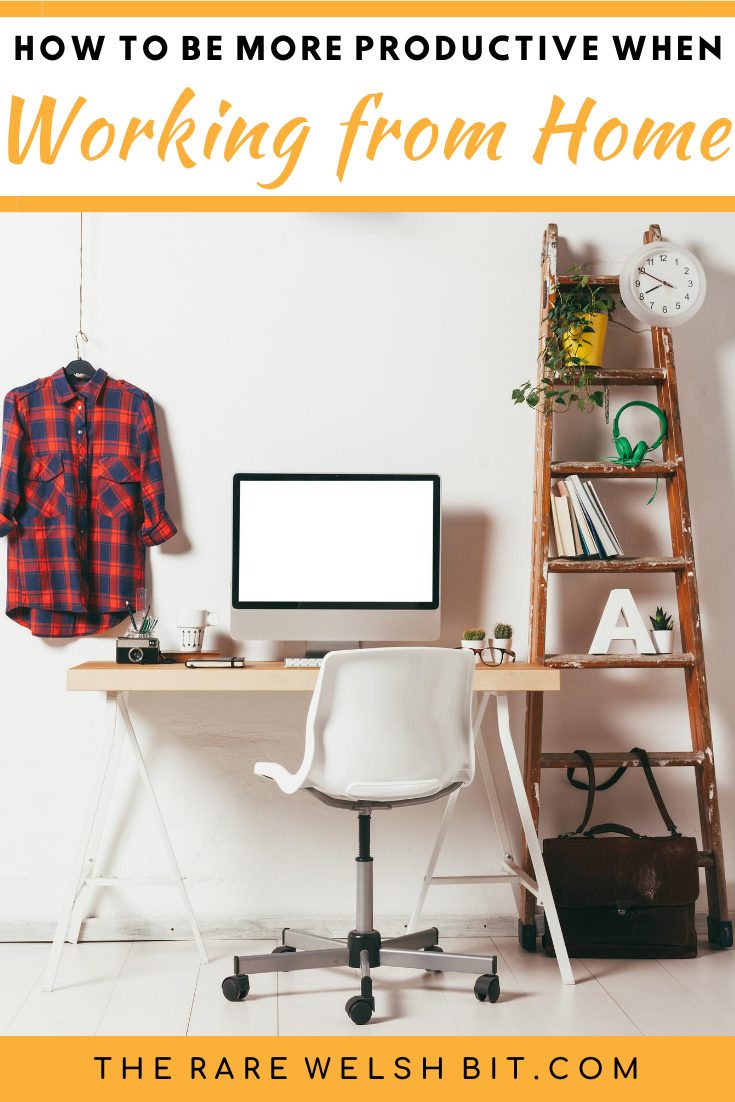
Whether you’re working for an employer or for yourself, you’ll probably need a decent desk and office chair to work from, not to mention various office supplies. Employers have a duty to ensure their employees have all the equipment they need in order to work safely from home and your employer may provide office equipment for you or allow you to claim back the cost of this equipment through payroll and expenses.
However, if you’re looking to purchase a desk and office equipment yourself, there are a few different aspects to consider. When it comes to choosing an office chair, aim to buy an ergonomic chair with adjustable height and back/lumbar support, arm rests and, dependent on your personal preferences, a swivel function. Similarly, you’ll need to consider how tall you need your desk to be (especially if you need additional legroom) and how much space you’ll require to for your PC or laptop, stationery and other office items.
While you might choose to buy your desk or chair from a large, eputable retailer, when it comes to purchasing smaller office equipment and accessories, it pays to shop around. This is especially true for ink cartridges for most printers. Usually, it’s considerably cheaper to purchase these from an independent retailer like Cartridge Save as opposed to direct manufacturers or big retail tech stores.
Personalise your work space
Once you’ve created a safe and comfortable working space, it’s time to add some personal touches to make it yours. Pick up a couple of photo frames and fill them with photos from your most memorable holiday, or of fun times spent with friends and family. Looking at these photos while you’re working will give you a sense of purpose and encourage you to work even harder.
If you want to go a little further with personalising your workspace, consider adding a personalised calendar (mine is crammed with photos from my favourite trips abroad!), buying cute stationery and investing in a pretty plant.
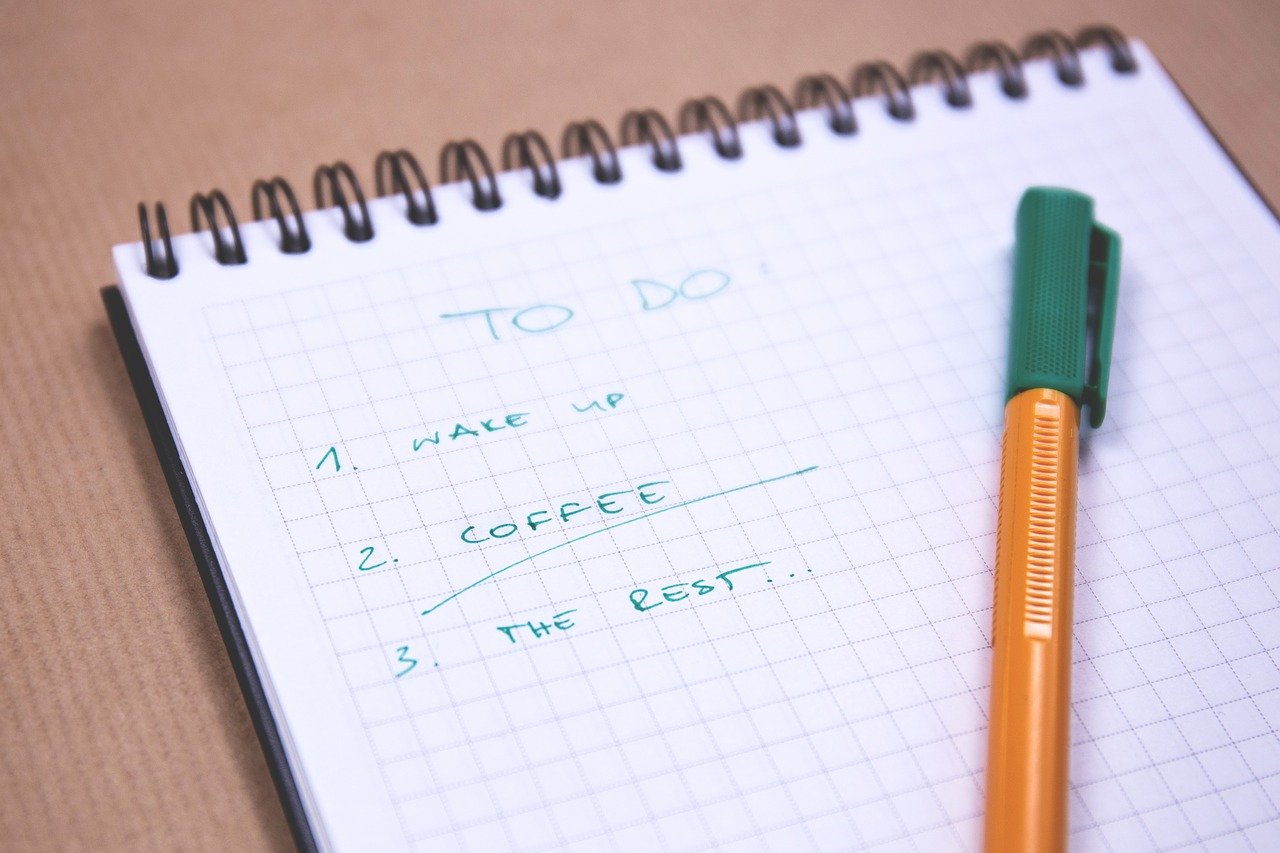
Keep a well-maintained to-do list
My final tip for working from home productively is to keep a to-do list and update it regularly. Add new tasks to your list as they arise so you don’t forget about them and if you prefer to write your list down or print it out onto paper, be sure to update it as soon as it becomes a little too cluttered with new jobs you’ve scrawled onto it and tasks you’ve crossed off already.
A great way to create and maintain a clean to-do list is to use the Kanban-style list-making app and website, Trello. Trello allows you to create a to-do list with different categories and add checklists to individual tasks. You can assign specific deadlines to each task and assign each one to a different team member, making Trello a great way to manage a team while working from home.
What are your top tips for being productive while working from home? Share your favourite ones by commenting below – and see if you can pick up any new tips from fellow readers!



This is a collaborative post.
These are brilliant tips. As you say, it has been a funny time. I would have always wanted to work from home, now though I am not so sure.
Although maybe without home schooling it might be a bit easier!
It has been tough to find the balance between working/blogging/parenting and just as I finally got the hang of it, I am back to work.
Who know’s though, maybe in the not too distant future, I will need to utilise these tips once again x
I can only imagine how much of a challenge it must be to juggle parenting alongside home-working. I really feel for parents at the moment <3
Working from home really isn’t always as easy as people might think! These are great tips.
Not at all – there are so many distractions!
These are some wonderful tips – I think sometimes with working from home it can be hard to start and hard to stop. You need to try and set up a routine so you make sure you aren’t wasting your time and you do get a break away.
I agree. That’s one of the things I struggle the most with. I do enjoy my work and sometimes it’s easy to forget that there’s much more to life!
I have been working from home and homeschooling since 2012. It is a struggle to balance but I love the time I get with my little girl
I love the idea of home-schooling; I’d definitely consider it if I ever have children.
I am having trouble finding the right time to do my work. I opted for a work from home job about a year ago, but since my family sees me at home, they think that I am always available to attend to their every whim. I will take your advice to heart. I know I do have to draw the line.
Ah yeah, that’s a downside to WFH that I haven’t thought of myself as I don’t have family at home. That must be difficult.
Good tips and I’ve worked out I really do need a very clear space to work, having clutter or just day to day items around me doesn’t help so I try to make sure of that before I start working.
Same here. I like a clutter-free workspace 🙂
Some great tips, we found time managing and lists a really important thing for us, and we tried to stick to them to ensure we got things done, great post.
I know what you mean; for me, sticking to my to-do list is often half the challenge.
I think having a proper to fo list and defined things you want to achieve is so important. I’m so happy now that I have dedicated office space as it means I can step away when I’m not working x
Oh gosh, completely agree with you Rhian. I would love to have my own office space.
Working from home has been quite hard for me due to homeschooling and having my kids constantly at home. I think personally having a good to-do list has helped me complete my deadlines in time
That must be a struggle! I swear by keeping a well-maintained to-do list too.
Love these top tips and yes I agree it is deffo worth planning your week in advance for sure so you don’t get side tracked x
Totally! I’ll be doing my week-ahead planning later actually.
Some really great tips and tricks you’ve got here 🙂 A to do list has got to be my number one thing I do in a Sunday ready for a working week
I love doing my list on a Sunday too. I am late doing mine this week/last week and I feel really disorganised as a result.
Great tips-I’ve started using Asana which is similar to Trello and I love it!
Ooh, I’ll have to check that one out now too! Thanks Jenna 🙂
A to-do list is an absolute must in my opinion, I am still to find a system that works great for me, but it is definitely something I do each week/day.
It works wonders for me too. Helps me to keep organised 🙂
These are all great tips for working from home. I really need to start planning my weeks in advance.
Thanks Emily, glad you think so. I’ve fallen a bit behind this week.